
Banner advertising in affiliate marketing
How to create a banner campaign
A banner campaign is used to display graphic banners on your website via embedded HTML code.
You can set the dimensions and types of banners in the advertising space depending on where you want to place them on your website.
Multiple banner sizes
Works on both web and mobile

Step-by-step procedure
- Log in to the administration at partner.wedos.as/login
- Open Advertising Spaces in the left menu.
- Click on + desktop in the upper right corner.
- Select ad categories and banner dimensions, save
- Insert the generated HTML code into your website without any changes.
How it looks in the administration
Tip – if you are using an editor that "cleans" HTML, it is better to insert the code into a place where it is not formatted (HTML block, template, snippet).
Instructional video
The video shows you the entire process – creating a desktop, selecting dimensions, and inserting HTML code into a website.
Most commonly used banner formats
It's not about "the prettiest," but about practical dimensions that have proven themselves over time.
Choose according to where you will actually place the banner on your website.

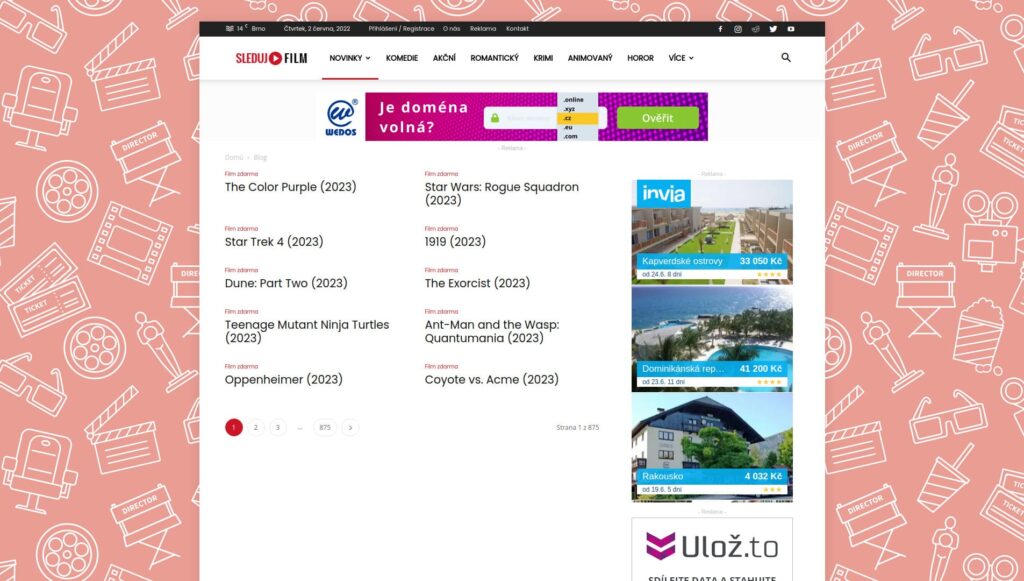
Leaderboard (728×90)
Typically at the top of the page – a highly visible spot, good for CTR.

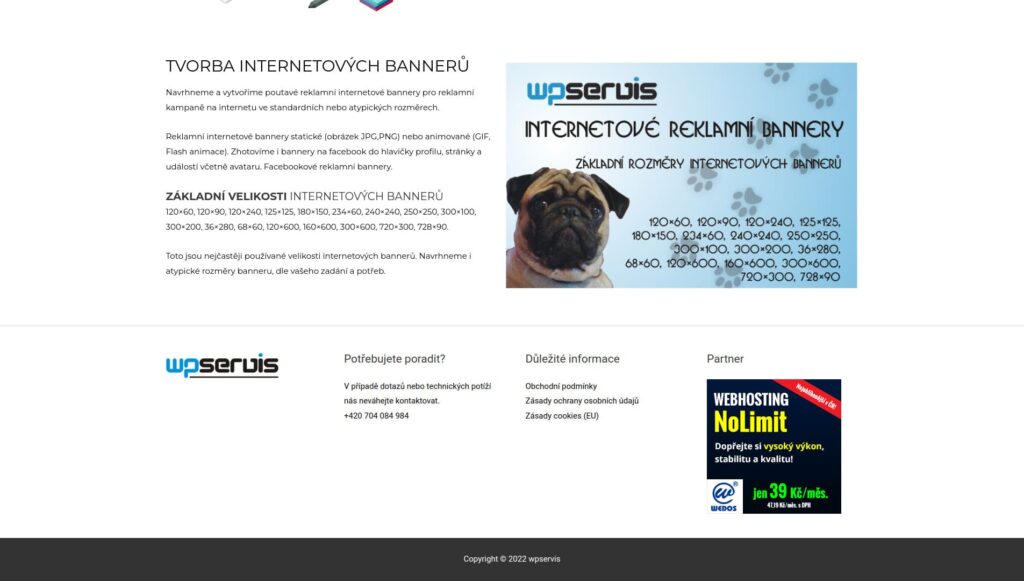
Square (250×250)
Smaller, versatile – side panel, footer, gaps in content. Also works on mobile phones.

Large Mobile Banner (320×100)
Often one of the most effective formats for mobile phones – exactly the width of the phone.

Changes to ad space settings will not take effect immediately. Expect a delay of approximately 5–10 minutes after making changes.
If you make changes in the administration or on the website, please allow some time for them to take effect.
When the banner is not displayed
The most common problem is that the area is inactive, no ad category has been selected, or the editor modifies the HTML code when inserting.
Another classic problem is ad blocking (AdBlock) or JavaScript being disabled.
If you want to resolve this quickly, please email us at: affiliate@wedos.com.