
How to create an affiliate link
Do you want to start earning on promoting WEDOS services? All you need is to create your own affiliate link. It will take you a few minutes.
1. Go to the „Text campaigns“ section
In the partner administration, click in the left menu on Text campaigns.
Here you see an overview of all your campaigns and at the same time the place where you will be creating new links.
2. Click on „+ campaign“
In the top right, click the button + campaign.
That starts creating a new campaign, under which your affiliate links will be generated.
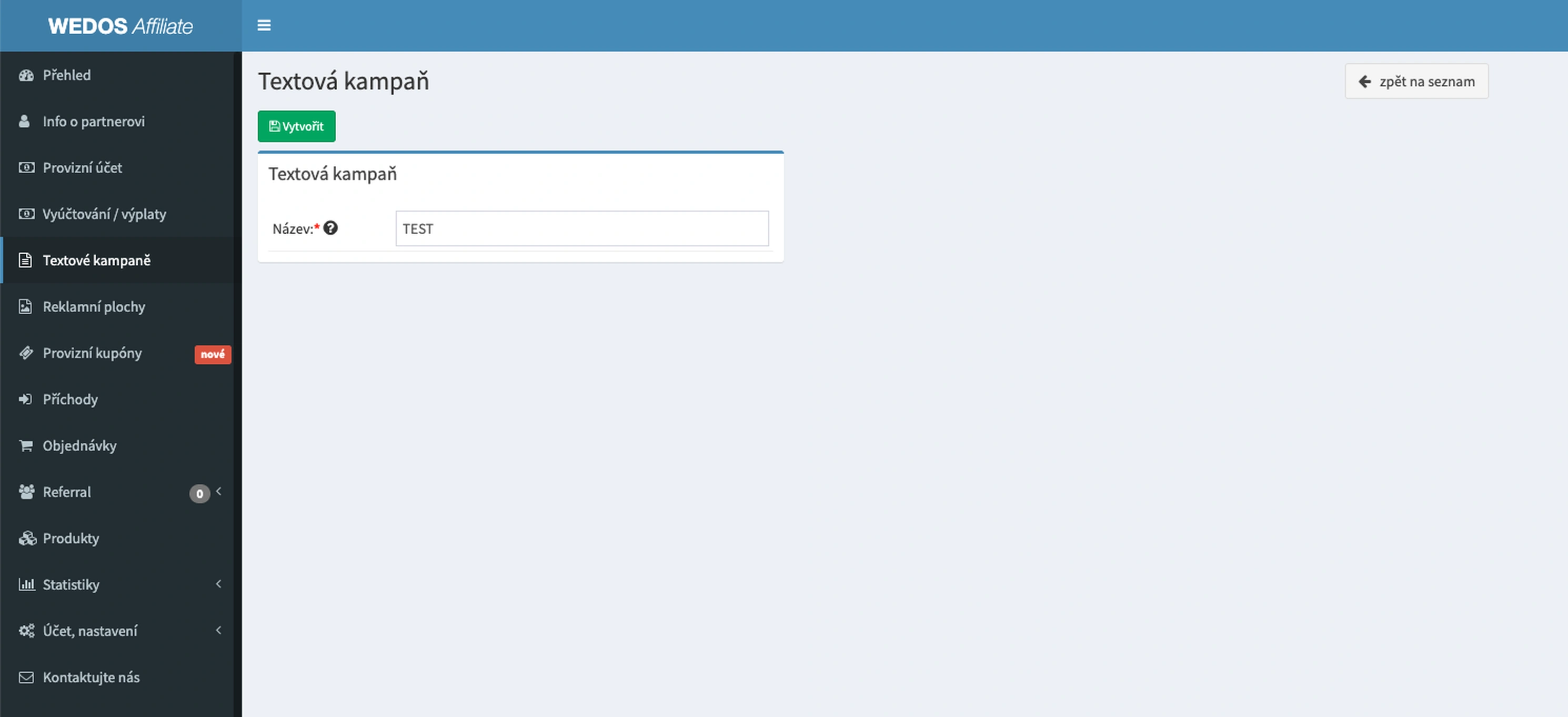
3. Enter the campaign name and create it
Fill in the campaign name. Recommendations:
- by website (e.g. blog-hosting)
- by channel (e.g. facebook-ads)
- by article (e.g. recenze-wedos)
Click on Create. Done — the campaign is ready.
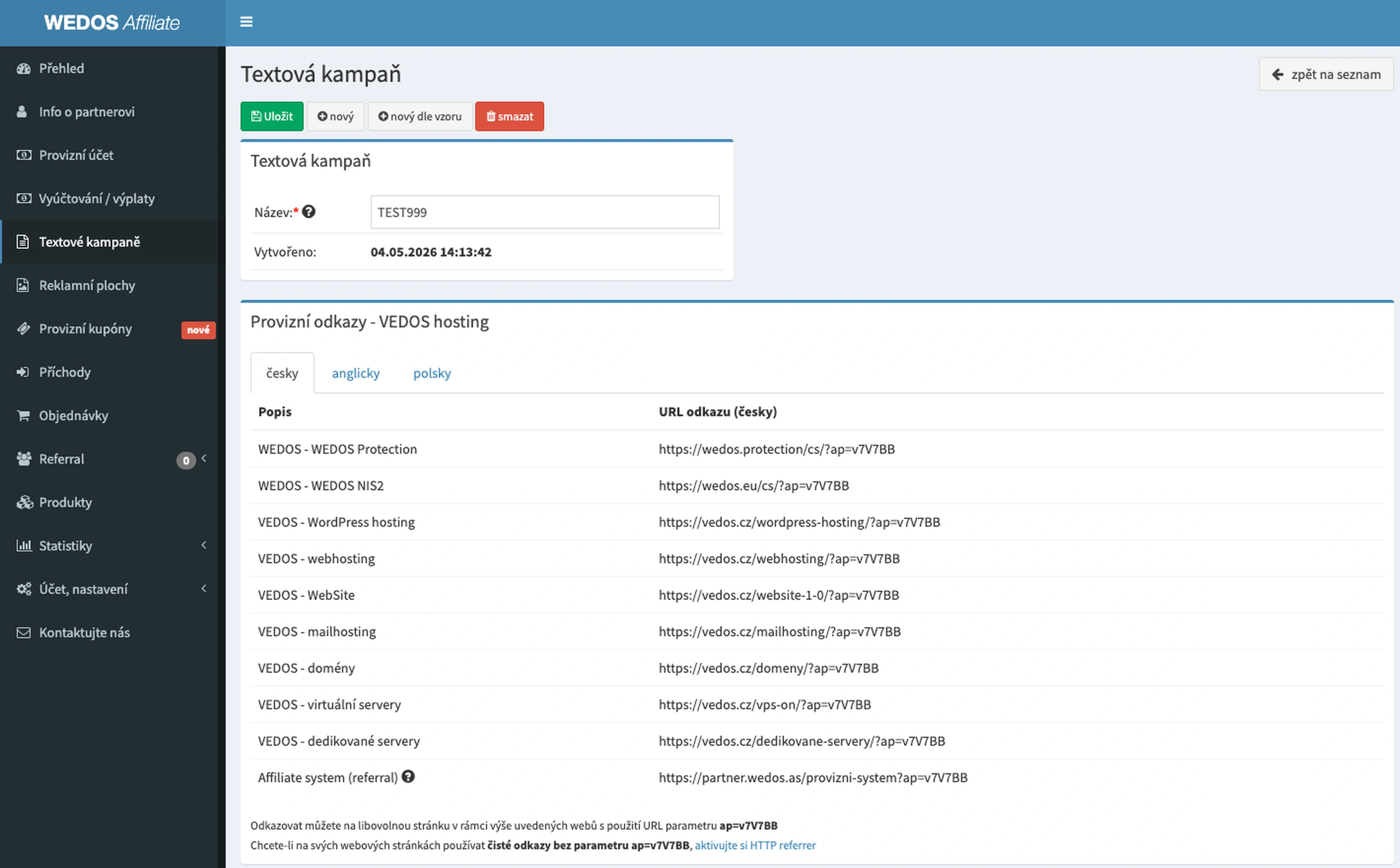
4. Copy the affiliate link
After you create the campaign, an overview of all your affiliate links is displayed.
- WEDOS Protection
- Web hosting
- WordPress hosting
- Domains
- VPS and more
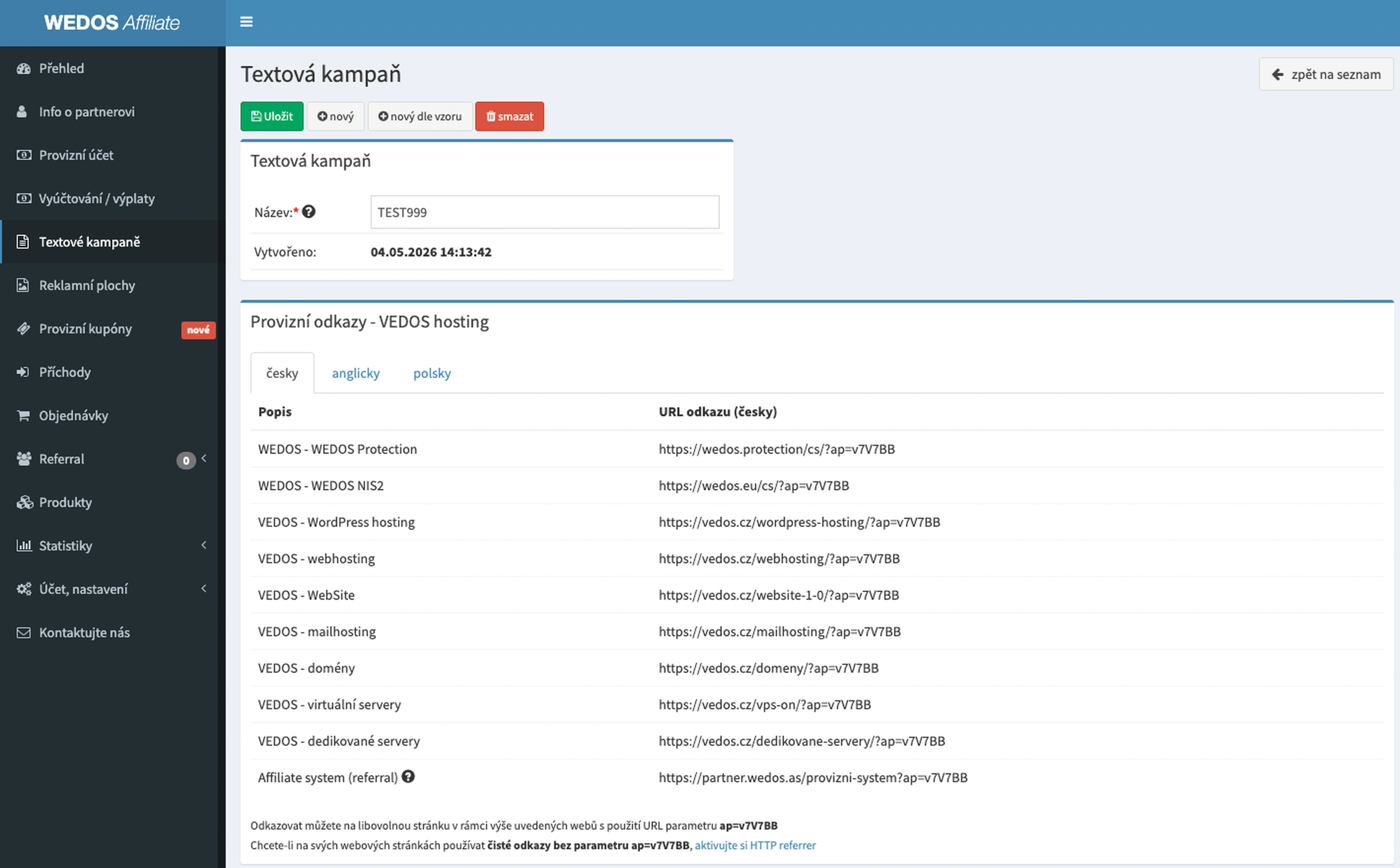
For each service you have your own unique URL link – it contains your affiliate code.
It pays off to have several campaigns according to traffic sources:
- blog separately
- e-mail separately
- ads separately
Thanks to that you know exactly what earns you money.